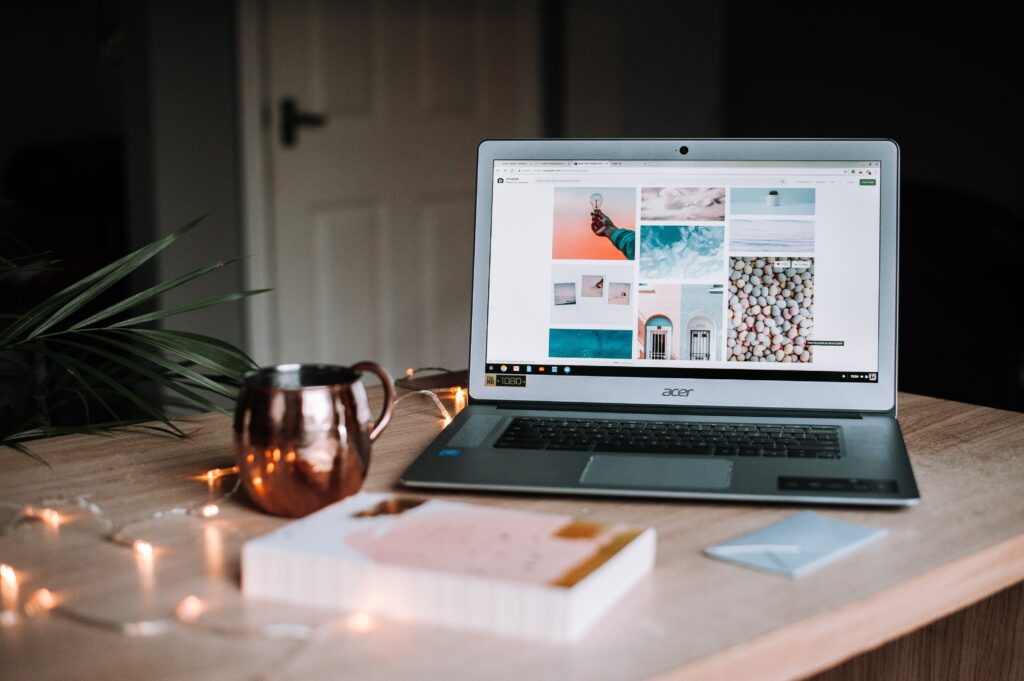
This is a collaborative post: Once you start to make money as a blogger, it’s wise to invest in some tools which can take your blog to the next level – and make your life easier! Although you might be reluctant to spend money to start with, don’t forget that apps and tools used for blogging can be offset as a business expense and save you time and money in the long run.
Accounting, invoicing and payment apps
Being a blogger isn’t all glamourous; there can be a lot of admin involved. Invoicing and chasing payments is probably my least favourite aspect of the job. Well, that and the end of year tax return, which is made so much more difficult if you don’t have a proper accounting structure in place from day one.
Lots of bloggers are fine creating manual invoice and logging their payments on a spreadsheet, which is free and perfectly fine – but once you start to take multiple payments a day this can become arduous and it might be worth investing in something which is more user friendly and makes the self-assessment process a breeze. Xero is often hailed as the best accounting software for small businesses; it’s not something I’ve used personally but my friend who is an accountant recommends it to her clients. It makes managing invoicing and expenses straightforward and paperless, and of course, you can include the cost as a business expense.
If you do a lot of work for people overseas and don’t want to pay large fees every time you get paid, then a money transfer app could save you money. Once again there are money transfer app comparison sites to help you select the best for your circumstances.
Graphic design tools
A messy blog is very offputting. To make your blog look professional you need to use slick graphic design, but the good news is that you don’t have to pay someone else to do it. Canva is a brilliant and free online tool which you can use to make graphics for your blog and social media pages using simple drag and drop tools which anyone can use.
There is a paid version too, which comes with stock photos and lots of templates to use.
Royalty free stock image websites
Imagery is extremely important but you must ensure that any pictures and photos you use on your blog are yours to use. Downloading pictures from Google is a huge no no and could find you in very hot water.
There are lots of sites like Pixabay and Pexels which have ‘free to use’ imagery which you can download and publish on your blog. After six years in the blogging world, in my opinion Unsplash is the unrivalled king of the free-to-use image site. You can download royalty free images to use in your blog posts which won’t cost you a penny. The quality is excellent as photographers upload their own images to the site. The only downside is that the search is iffy; if you’re searching with multiple keywords it doesn’t seem to be able to handle it and the results you get can be questionable.
Paying for images means that you can be absolutely sure you have the right to use them (and don’t forget this is a business expense). Depositphotos is also a good site if you manage to get a Black Friday deal, you can get hundreds of images for pennies each.
Social media scheduling apps
One of the trickiest things about being a blogger is that it is definitely not a 9 to 5 job; the biggest engagement on social media is usually in the evenings when most people aren’t working and even if you write great content during the day, it’s best to wait to share it until your audience is there and waiting to read it.
However, being ‘on’ all the time can be exhausting – even the most committed blogger deserves an evening off! This is why social media scheduling is really important. If you have a new post to promote, you can use scheduling tools to push it out on your social platforms at the time of highest engagement.
Most social media platforms have their own scheduling tools – for example Facebook/Instagram has Facebook Business Suite. However there are multiple apps that you can download to schedule across multiple platforms including Facebook, Instagram, Pinterest and Twitter etc. Here is a list of some of the best scheduling apps.